Bolt Food1.42.0
Publisher Description

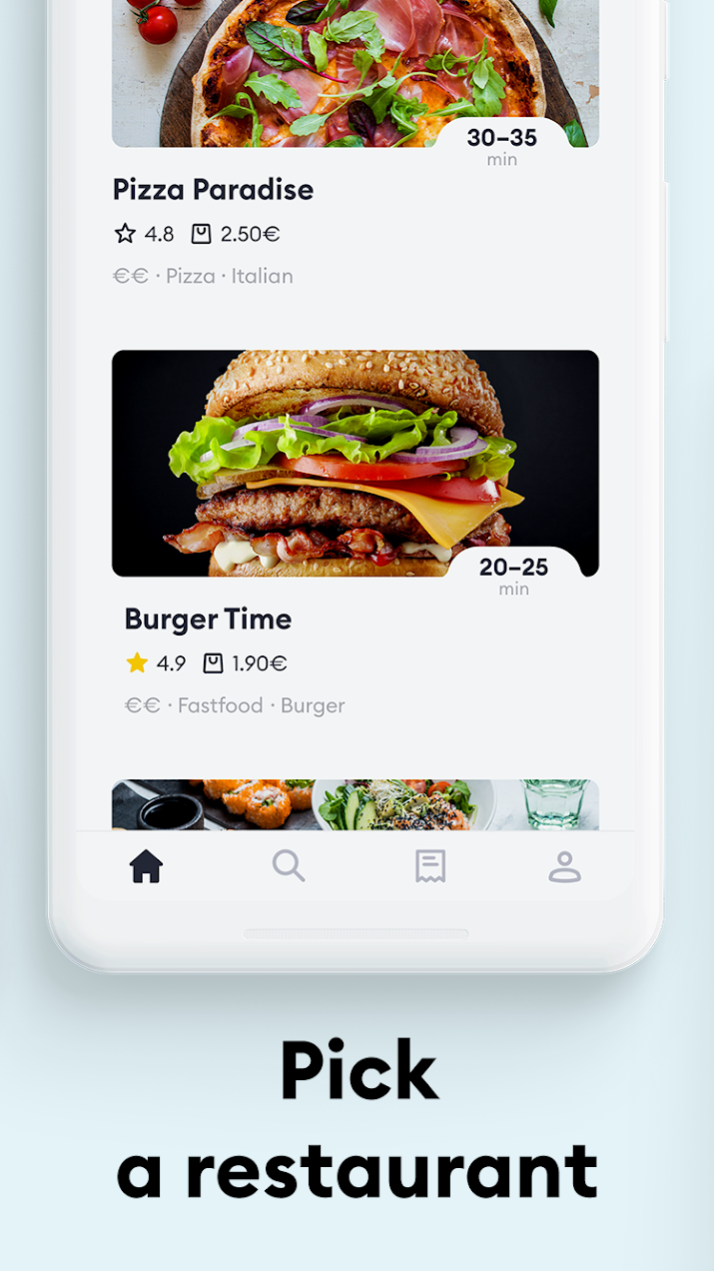

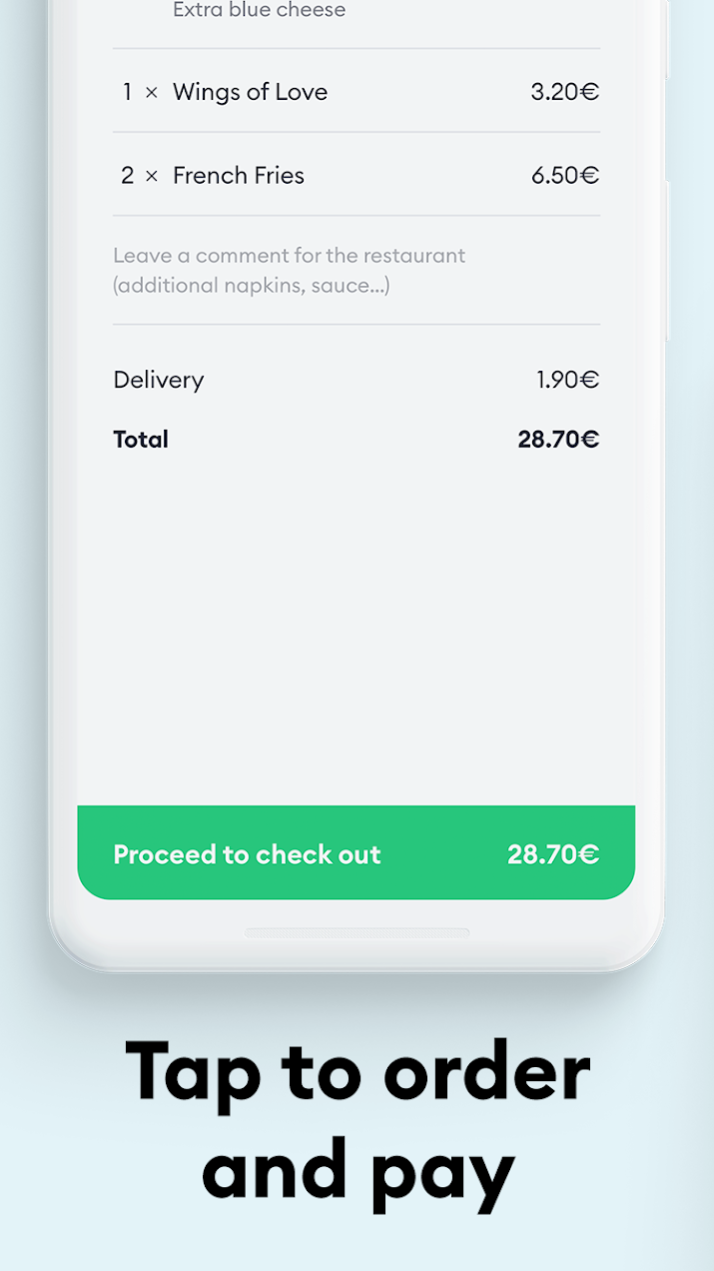
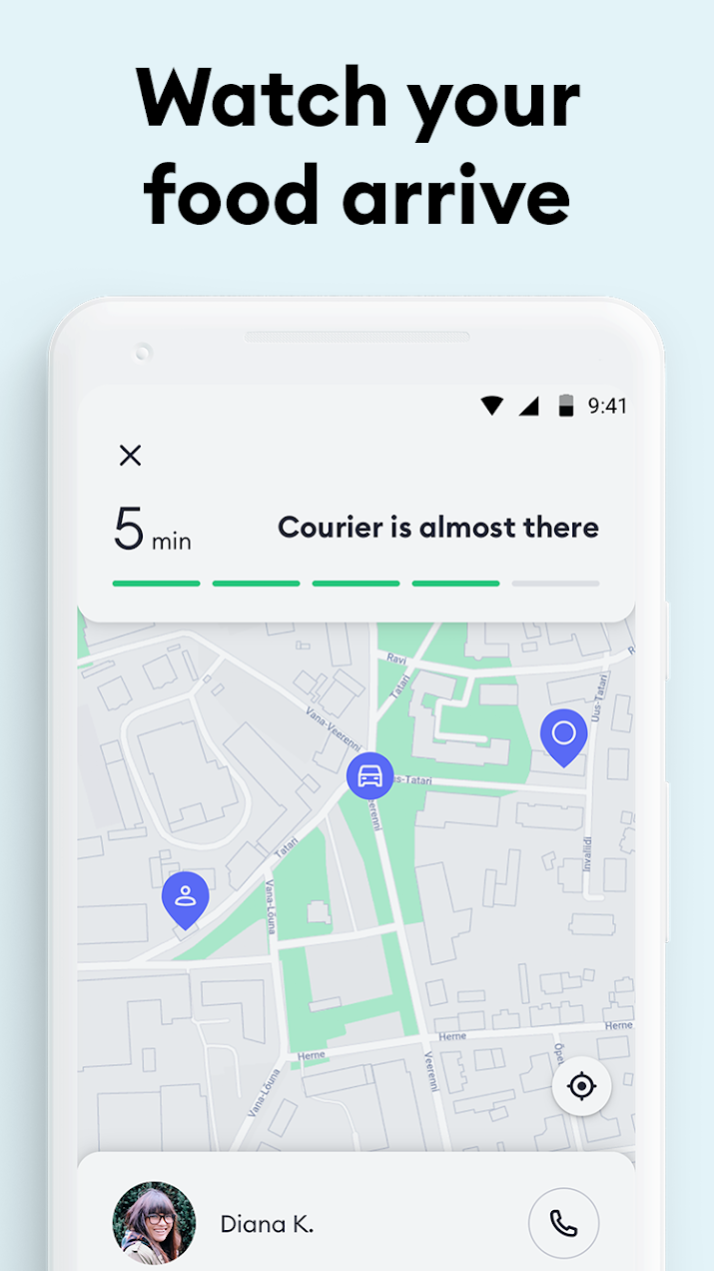
Order your favourite dishes to your doorstep with the Bolt Food delivery service. Whether you’re dreaming of sourdough pizza; craving tempura sushi; or desperate for an artisan burger – whatever you need, Bolt Food comes to the rescue!
How to make an order with the Bolt Food delivery app:
1. Set your delivery address
2. Pick a restaurant and choose your meal
3. Tap to order and pay
4. Track your order and watch the courier arrive
5. Enjoy the yumminess delivered straight to your doorstep!
Bolt Food app features:
- An easy and convenient interface
- Real-time order and delivery tracking
- Seamless in-app payments
Bolt Food is the most recent service of ride-hailing tech company Bolt (formerly Taxify). Bolt Food is here to challenge the efficiency of the food delivery industry all over the world, while helping the restaurants get more orders and the couriers to earn extra money.
Make some extra cash with your car, bike or motorbike. Become a Bolt Food courier here: https://food.bolt.eu
Become a Bolt Food partner restaurant here: https://food.bolt.eu
Get in touch with us via food@bolt.eu
Follow us on Facebook: http://bit.ly/boltfoodFB
About Bolt Food
The company that develops Bolt Food is Bolt Technology. The latest version released by its developer is 1.42.0.
To install Bolt Food on your Huawei device, just click the green Continue To App button above to start the installation process. The app is listed on our website since 2023-06-15 and was downloaded 2 times. We have already checked if the download link is safe, however for your own protection we recommend that you scan the downloaded app with your antivirus. Your antivirus may detect the Bolt Food as malware as malware if the download link to C103397051 is broken.
How to install Bolt Food on your Huawei device:
- Click on the Continue To App button on our website. This will redirect you to Huawei Store.
- Once the Bolt Food is shown in the Huawei Store listing of your Huawei device, you can start its download and installation. Tap on the Install button located below the search bar and to the right of the app icon.
- A pop-up window with the permissions required by Bolt Food will be shown. Click on Accept to continue the process.
- Bolt Food will be downloaded onto your device, displaying a progress. Once the download completes, the installation will start and you'll get a notification after the installation is finished.
